You lease an office here
Tenant company owner
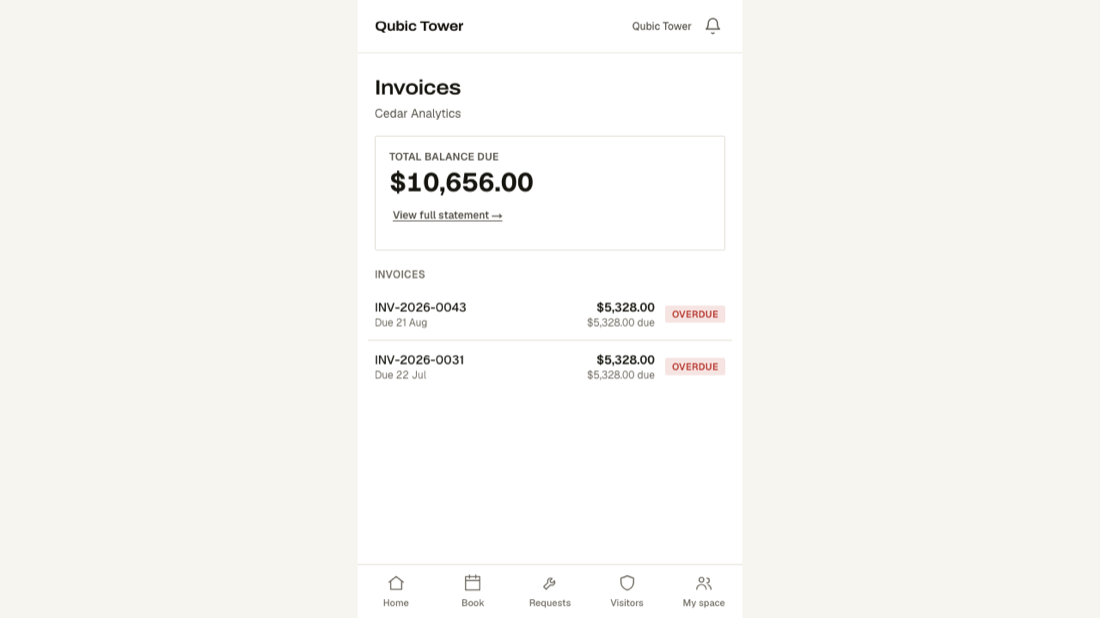
Your company's side of the building: what you have reported, what you have booked, who is visiting you, what you owe — and who from your team may do the same.
Getting in
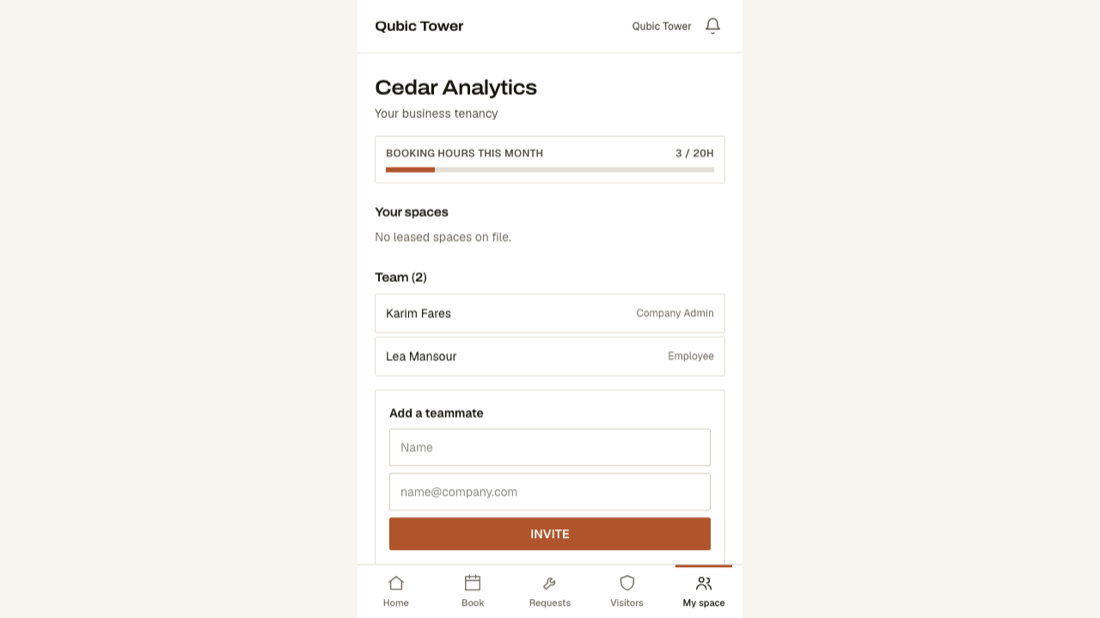
The building invites your company. You are the first person in, and you add your own colleagues from the Company screen.
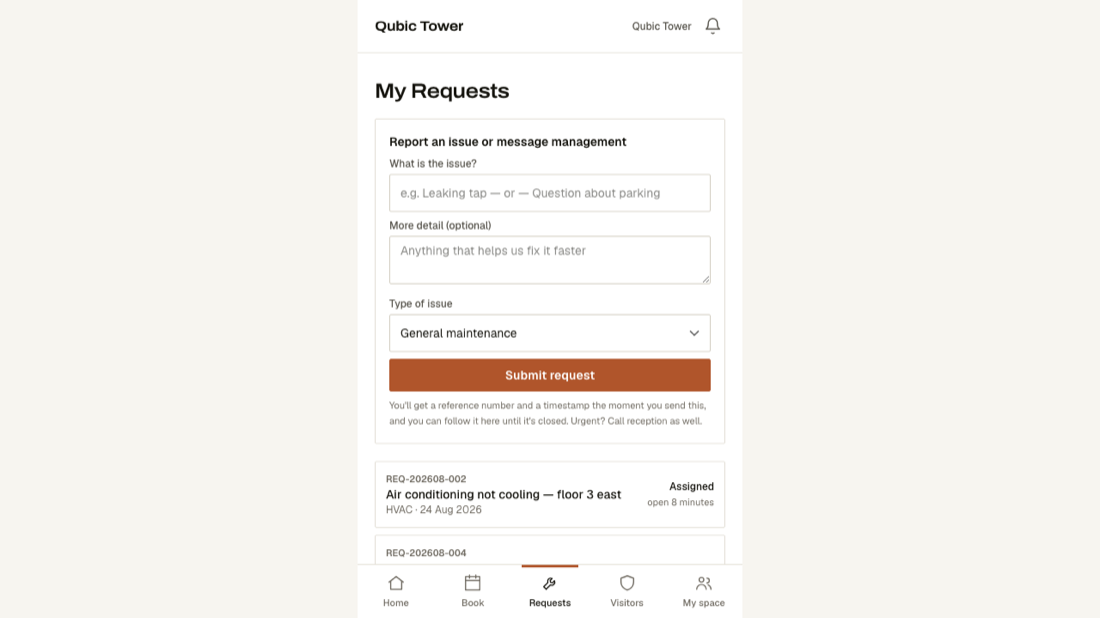
What your screen looks like
These are real screens, photographed from the running product — not drawings.
What is on your menu
- HomeWhat is happening today.
- BookReserve a meeting room.
- RequestsReport a fault and follow it.
- VisitorsInvite someone; they get a pass on their phone.
- My spaceYour company, your people, your floor.
What you cannot see
Any other company's anything. Every other tenant's requests, bookings, visitors and invoices are invisible to you — that separation is enforced at the database, not just hidden on screen.